Godot
Godot 2D platformer demo
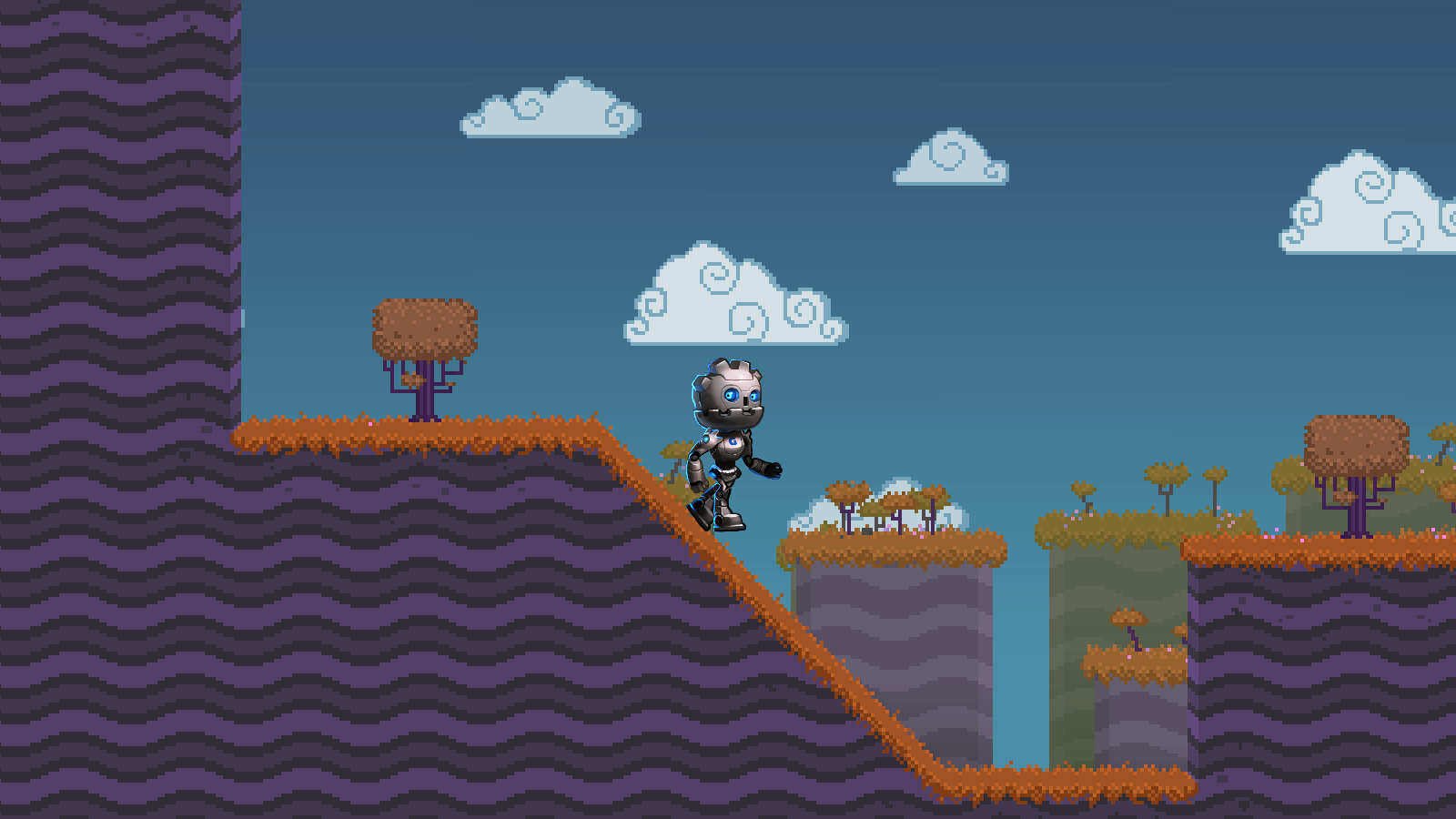
This is the official 2D platformer in the Godot demo pack. One stage, a character that runs and jumps, and collisions you can step through in the editor. It is the usual first clone when you want a Godot platformer you can actually press Play on.
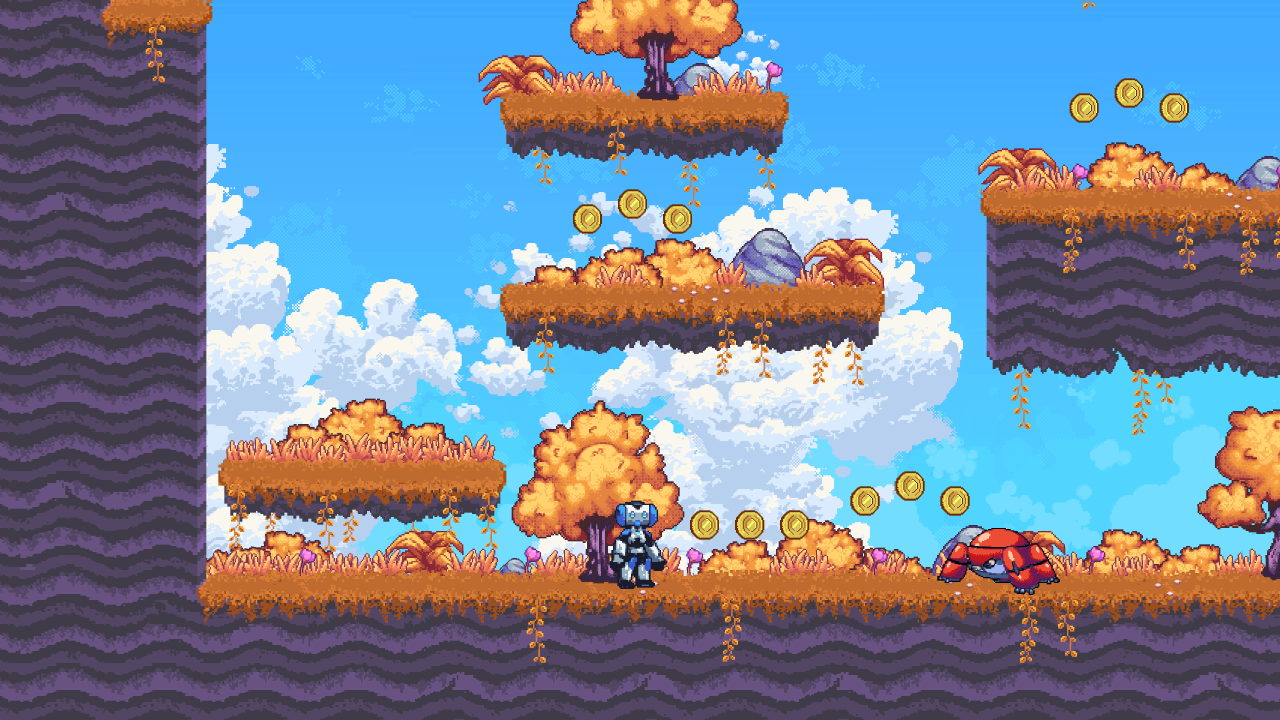
- Engine
- Godot Engine
- Language
- GDScript
- Genre
- platformer
- License
- MIT
Who it is for
- Beginners who already installed Godot 4
- Game jam teams that need a 2D controller tonight
- Anyone comparing Godot 2D to Unity 2D with real scenes
What you can learn
- CharacterBody2D movement and jump, not a physics toy
- Tilemap collision against a small stage
- How an official Godot 2D scene is wired in the tree
Clone and run
- Install Godot 4 from the official download page.
- Clone godotengine/godot-demo-projects and open 2d/platformer, or download that folder as a ZIP.
- In Godot: Import, select the project.godot file, then Play (F5).
The demo is small on purpose. You can read the player script in one sitting and see how the camera and the tiles sit under the same scene root. That is more useful than a full game if your goal is to steal a controller, not ship a campaign.
It lives inside the official demo monorepo, so version pins follow the Godot 4 line. Import the folder as its own project; do not open the whole demos tree as one game.
Public repositories. The short descriptions are written for this site.
Editorial notes reviewed 2026-10-05.
Related source
Physics platformer
Moving platforms and physics bodies instead of a hand-rolled controller.
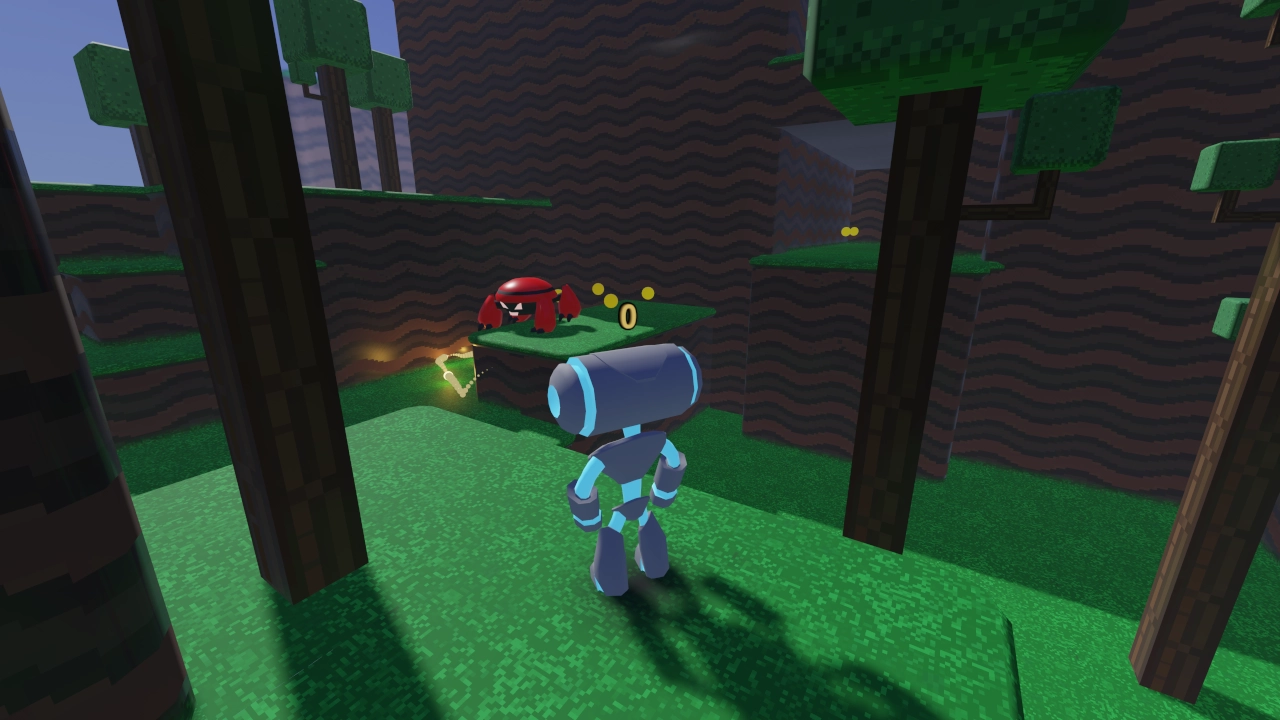
Godot 3D platformer
Third-person jump and a small 3D stage.
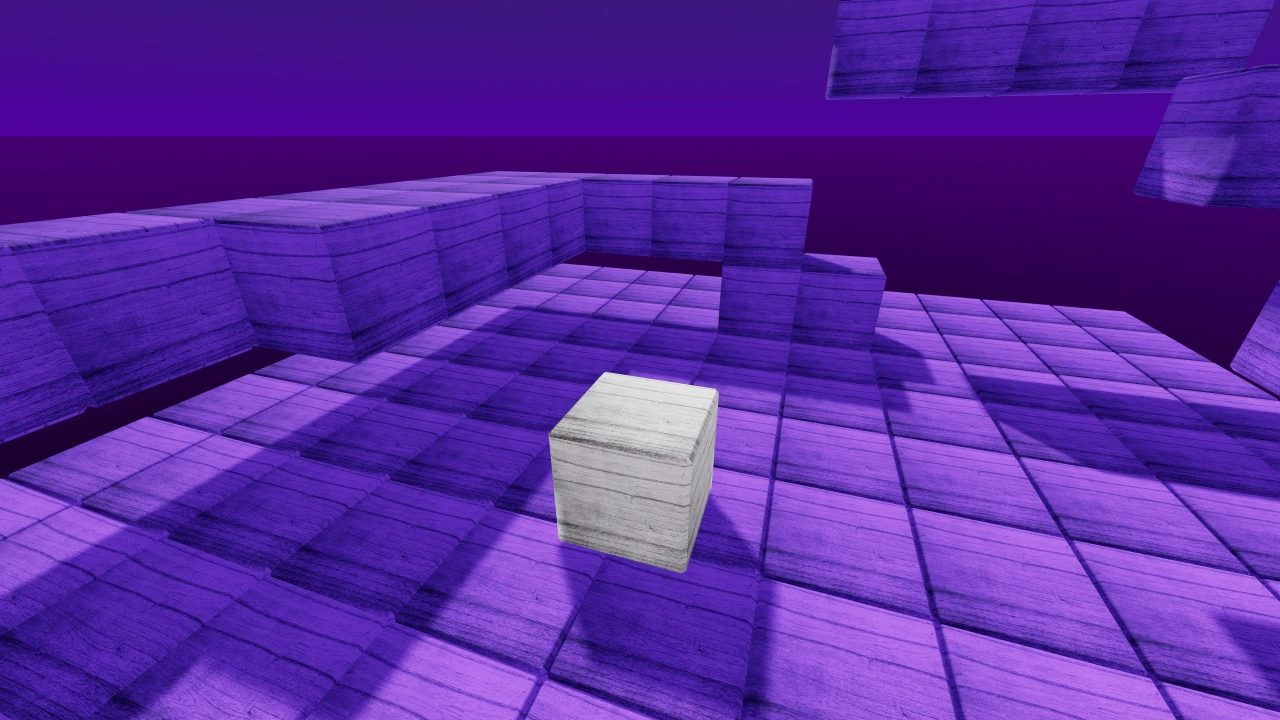
3D kinematic character
Stairs, slopes, and a kinematic body controller.
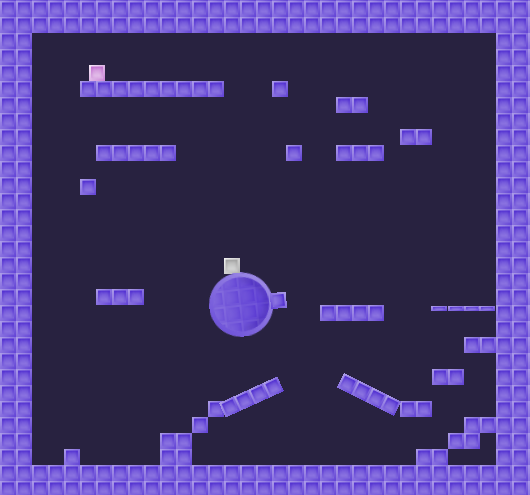
2D kinematic character
Slopes and one-way platforms with a kinematic body.
2D skeleton
Skeletal 2D animation wired to movement.
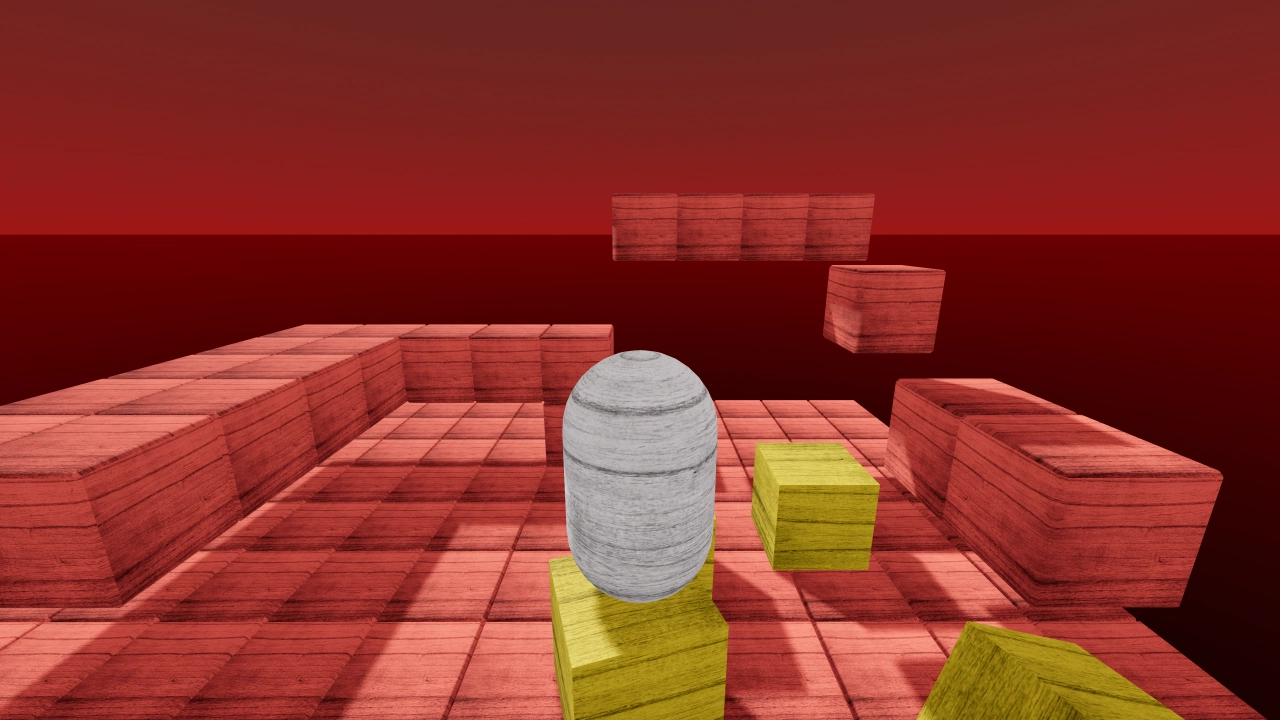
Rigidbody character
A character driven by a rigid body instead of a kinematic one.