Godot
Godot 3D platformer
The 3D platformer demo is the third-person counterpart to the 2D stage. A character jumps on a small 3D level. Use it when Godot 2D already makes sense and you want the same idea with a camera behind the player.
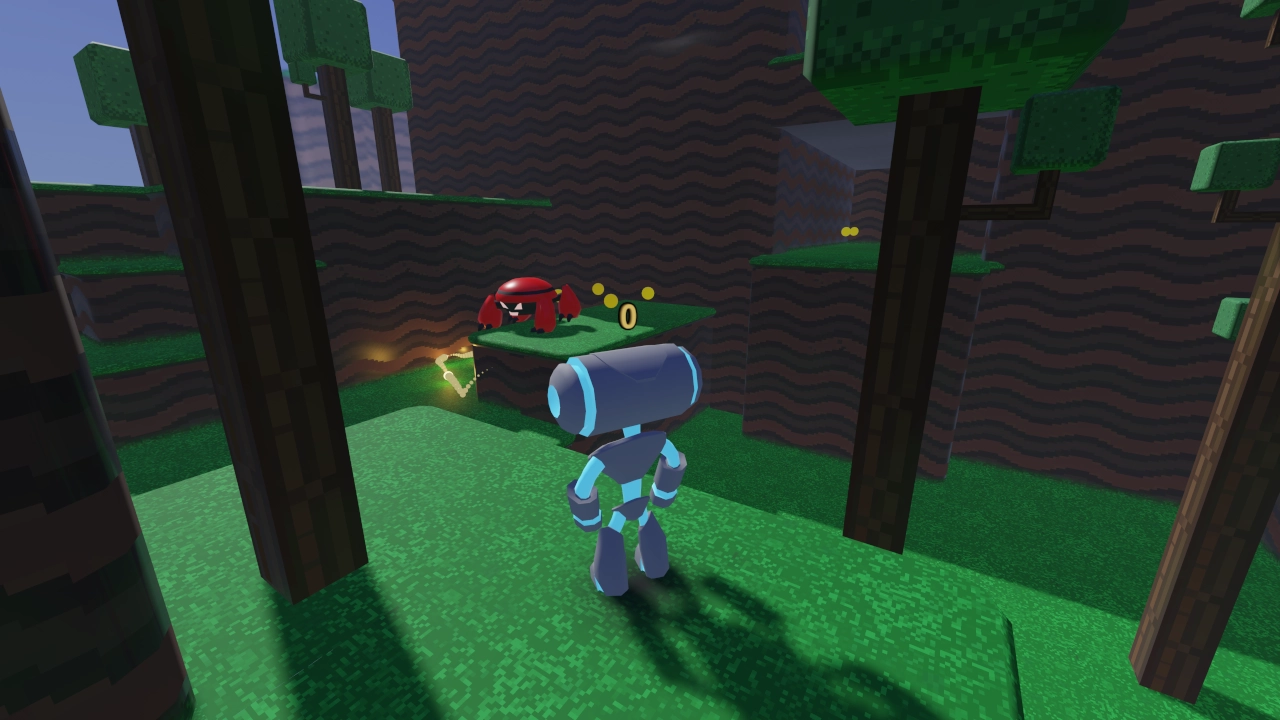
- Engine
- Godot Engine
- Language
- GDScript
- Genre
- platformer
- License
- MIT
Who it is for
- Beginners moving from Godot 2D into 3D
- People testing whether Godot 3D is enough for a small indie scene
- Anyone who needs a third-person jump before a shooter
What you can learn
- CharacterBody3D movement and jump
- A follow camera on a short stage
- How a 3D Godot scene is laid out versus 2D nodes
Clone and run
- Install Godot 4.
- Open 3d/platformer in godot-demo-projects.
- Import and Play. Use the keyboard to move and jump.
Keep expectations at “small stage,” not open world. Lighting and animation are enough to learn from, not a film-level showcase. If you outgrow this, the TPS demo is the next official 3D read.
Public repositories. The short descriptions are written for this site.
Editorial notes reviewed 2026-10-05.
Related source
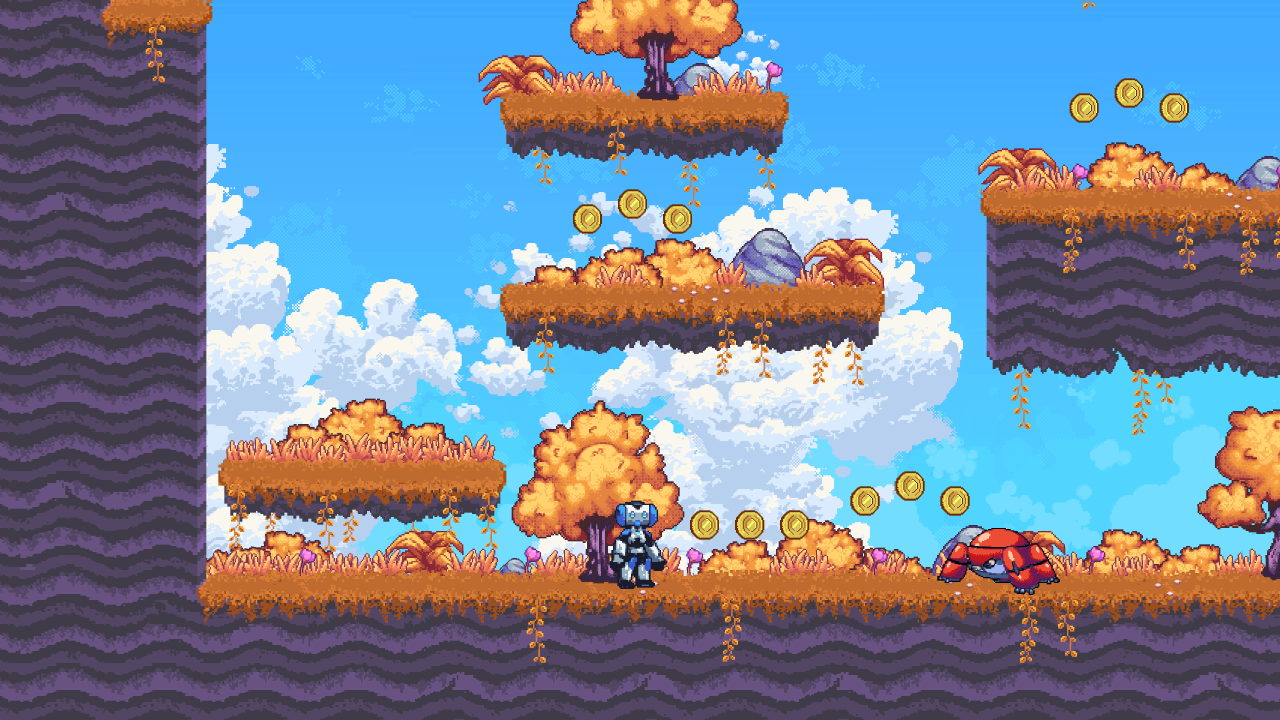
Godot 2D platformer demo
Official 2D stage: run, jump, and collide.
Physics platformer
Moving platforms and physics bodies instead of a hand-rolled controller.
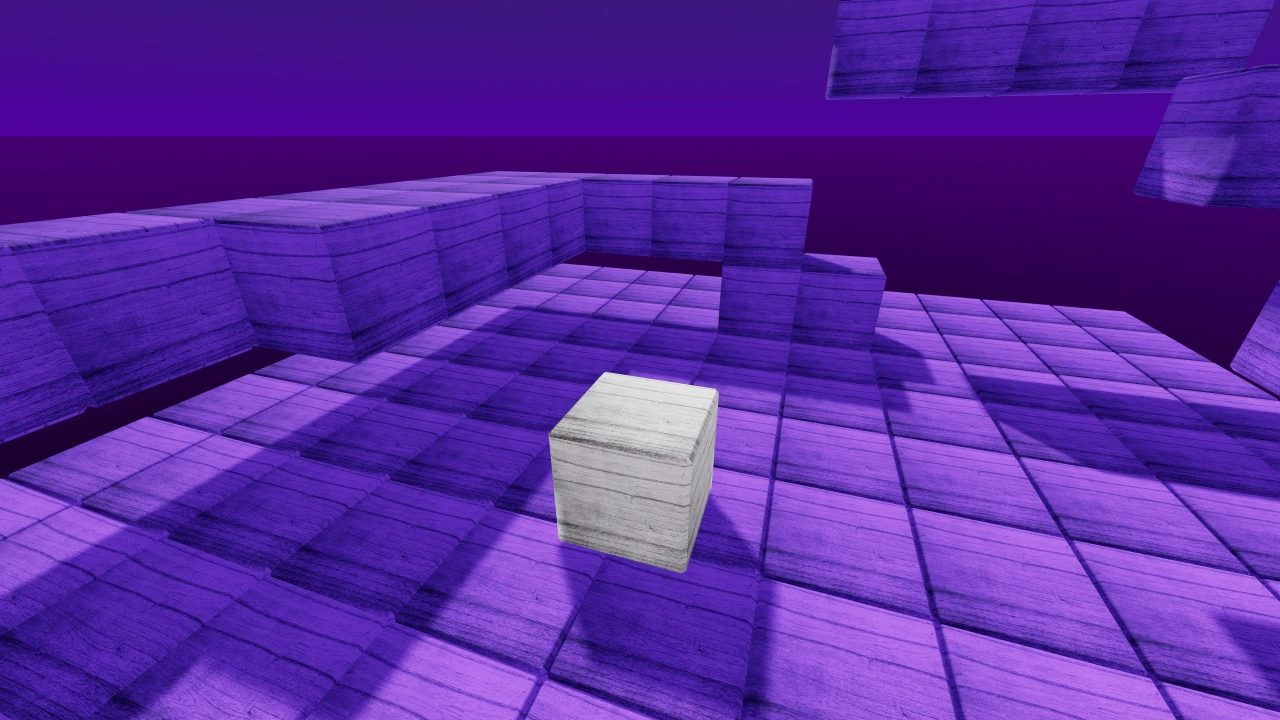
3D kinematic character
Stairs, slopes, and a kinematic body controller.
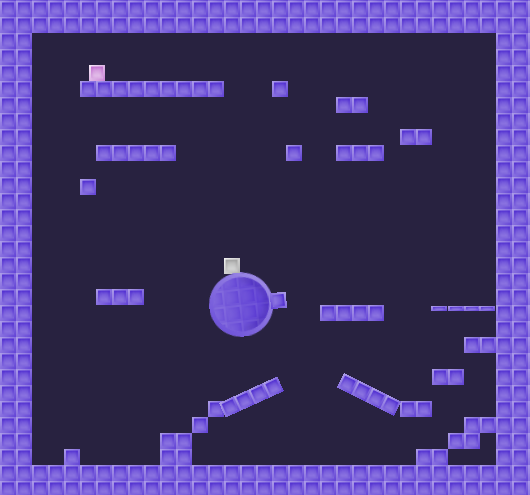
2D kinematic character
Slopes and one-way platforms with a kinematic body.
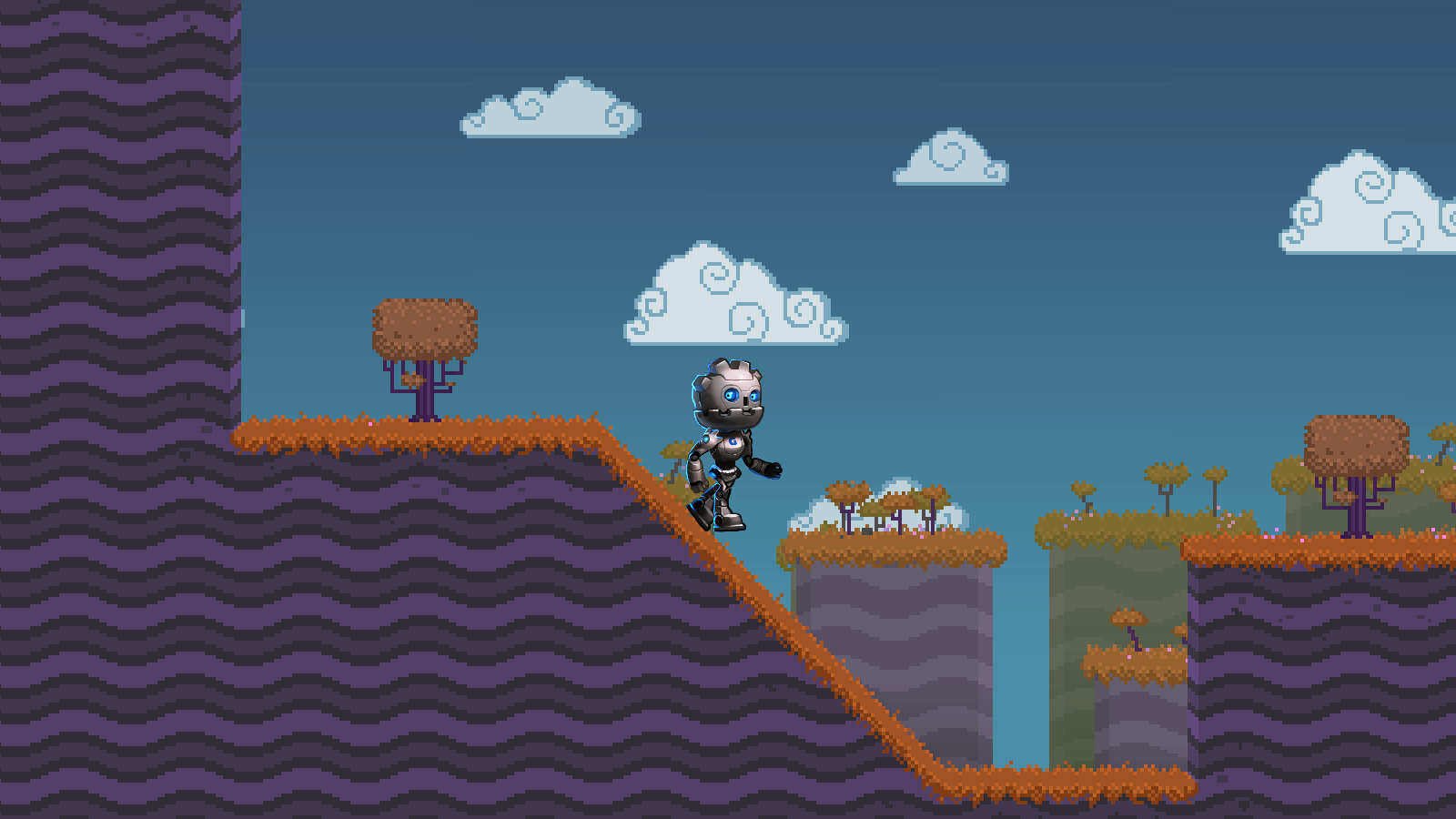
2D skeleton
Skeletal 2D animation wired to movement.
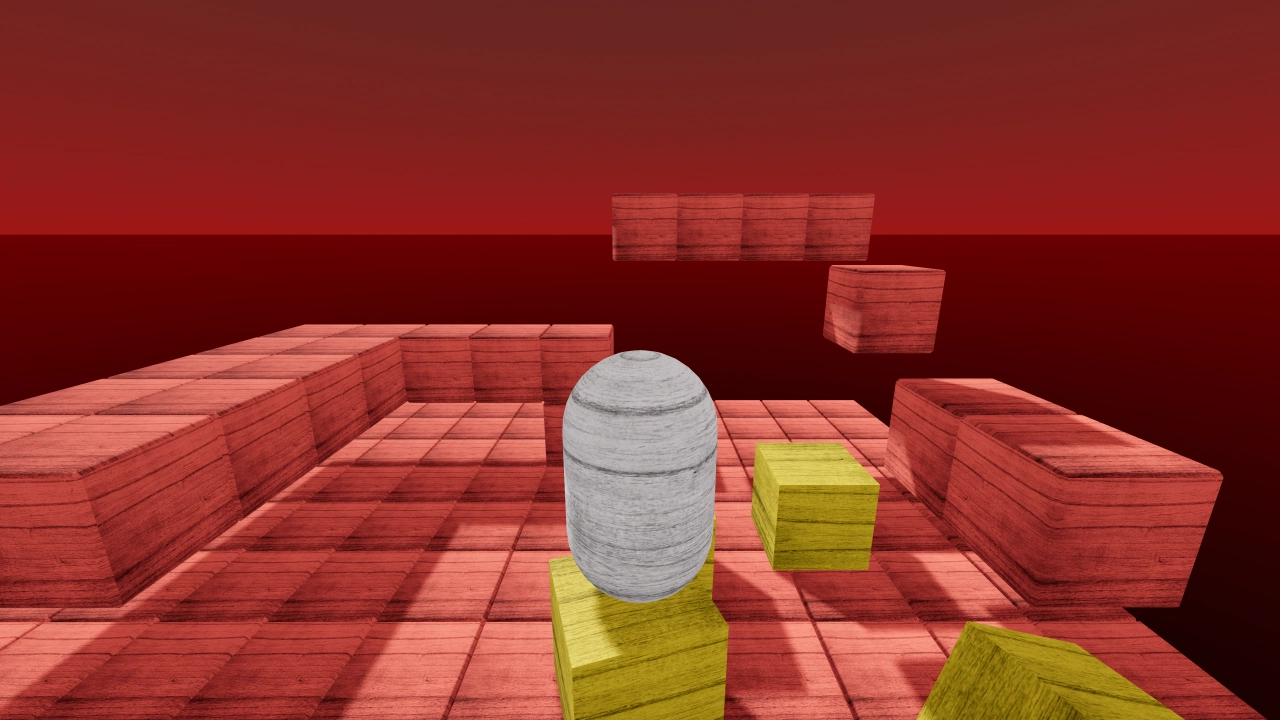
Rigidbody character
A character driven by a rigid body instead of a kinematic one.